





Compliance
Moverly
Gather verified material information, ID, AML and property data up front, so sales agree faster and fall through less.

Overview
Moverly is the live intelligence layer the property transaction runs on. Creators of the Digital Sale Ready standard and architects of the open Property Data Trust Framework, Moverly helps agents gather verified material information, ID, AML checks and property data up front. With the Street.co.uk integration, vendor and property details flow straight into Moverly, and completed certificates land back on the property record, so sales agree faster and fall through less.
Key Features
- Client details auto-populated.
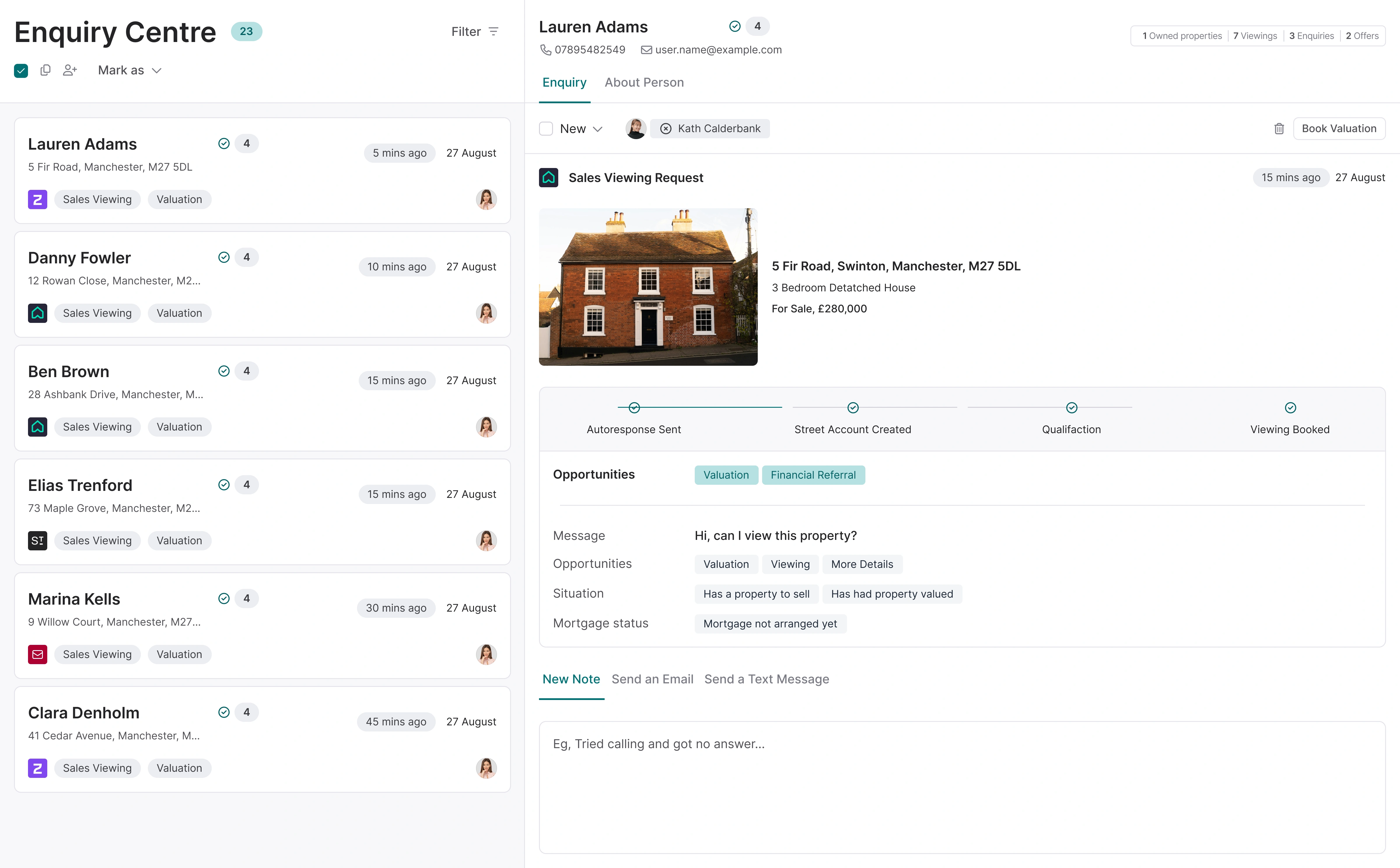
Vendor and property details flow from Street.co.uk into Moverly, with no re-keying. - Documents written back to Street.co.uk.
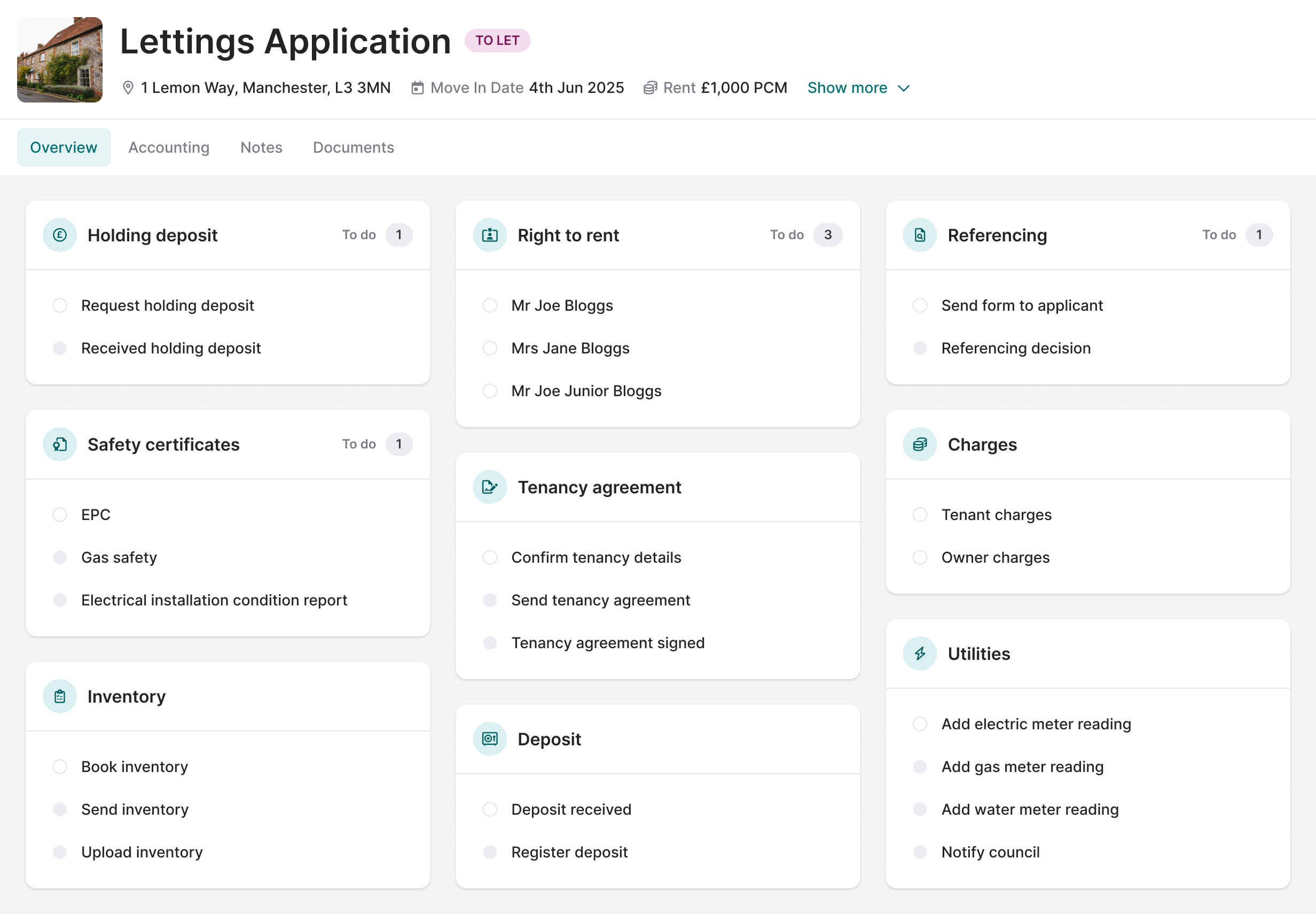
AML, EPC, Title and material information certificates are saved straight to the property record in Street.co.uk. - Digital Sale Ready in a few clicks.
Set a property on course to be fully Digital Sale Ready, including the local authority search, AML, terms of business, TA forms, material information and conveyancer instruction.
Key Benefits
- Stand out with Digital Sale Ready.
Give your vendors the fastest route to sold. Verified data, including AML and ID checks, can be reused across the transaction. Digital Sale Ready properties see a 43% improvement in completion rates, 35% faster time to exchange and a 21% increase in referral fee income. - Compliance without the headache.
Meet your Material Information and AML obligations as part of your normal workflow, not as an afterthought. - Stronger conveyancer partnerships.
Conveyancers receive a ready-made, verified pack at instruction, so they can get to work straight away.
Getting started
In Street.co.uk, go to Settings > Account Administration > Applications. Under Create new application, enter "Moverly" as the Application Name, select Open API as the API Token Scope, add your contact name and email, then click Create Application and copy the API key. Then in Moverly, go to Integrations settings, click Add API key next to Street, paste the key into Account token and click Connect. Street.co.uk will show as Connected once it's set up.
Related integrations
More Compliance integrations

Veyco
AI-powered compliance and client onboarding for estate agents, with ID, AML and proof of funds checks built into Street.co.uk.

TDS Northern Ireland
Trusted, compliant deposit protection for letting agents in Northern Ireland.

Landmark
Fully integrated Anti-Money Laundering checks for vendors and sales applicants, now with facial recognition, inside your Street.co.uk account.

PropertyGoose
PropertyGoose handles referencing, pre-tenancy, mid-tenancy management and document generation, then pushes everything straight back into your CRM. A cost-effective option that doesn't compromise on quality.

Blinc UK
A leading tenant referencing and compliance platform for modern letting agents — combining affordability checks, digital identity verification, and compliance tools to help agents make faster, more informed decisions.

HIPLA
HIPLA brings compliance and client onboarding into one white-labelled platform, helping agents speed up sales, stay compliant and earn more per transaction.
Ready to get started?
Book a 30-minute demo and see how Street connects to your whole tech stack.