








Send personalised emails and SMS in one click.
What it is
Reusable templates with automatic data merge. Built once. Shared with your team. Sent in seconds.
Who benefits
Negotiator. You send personalised emails and texts in seconds. Pick a template, let the merge fields populate, and hit send.
Branch Manager. Build templates once and share them across your branch or the whole network. Your team sends consistent comms without rewriting them each time.
Admin. Set up templates for the scenarios that matter, valuations, offers, viewings, completions. Tie each one to the right area of Street.co.uk so only the relevant merge fields appear.
1 click
Pick a template. Merge fields fill themselves. Send.
Auto
Merge fields pull live data straight from Street.co.uk.
Branch-wide
Share templates with yourself, your branch or the whole network.
Stop retyping the same emails every day. Correspondence templates eliminate repetition, inconsistency, and the time lost to it.
Personalised emails and texts, sent in one click.
Build them once, share them with your team, and let Street.co.uk handle the data. Your comms stay consistent and your day gets shorter.

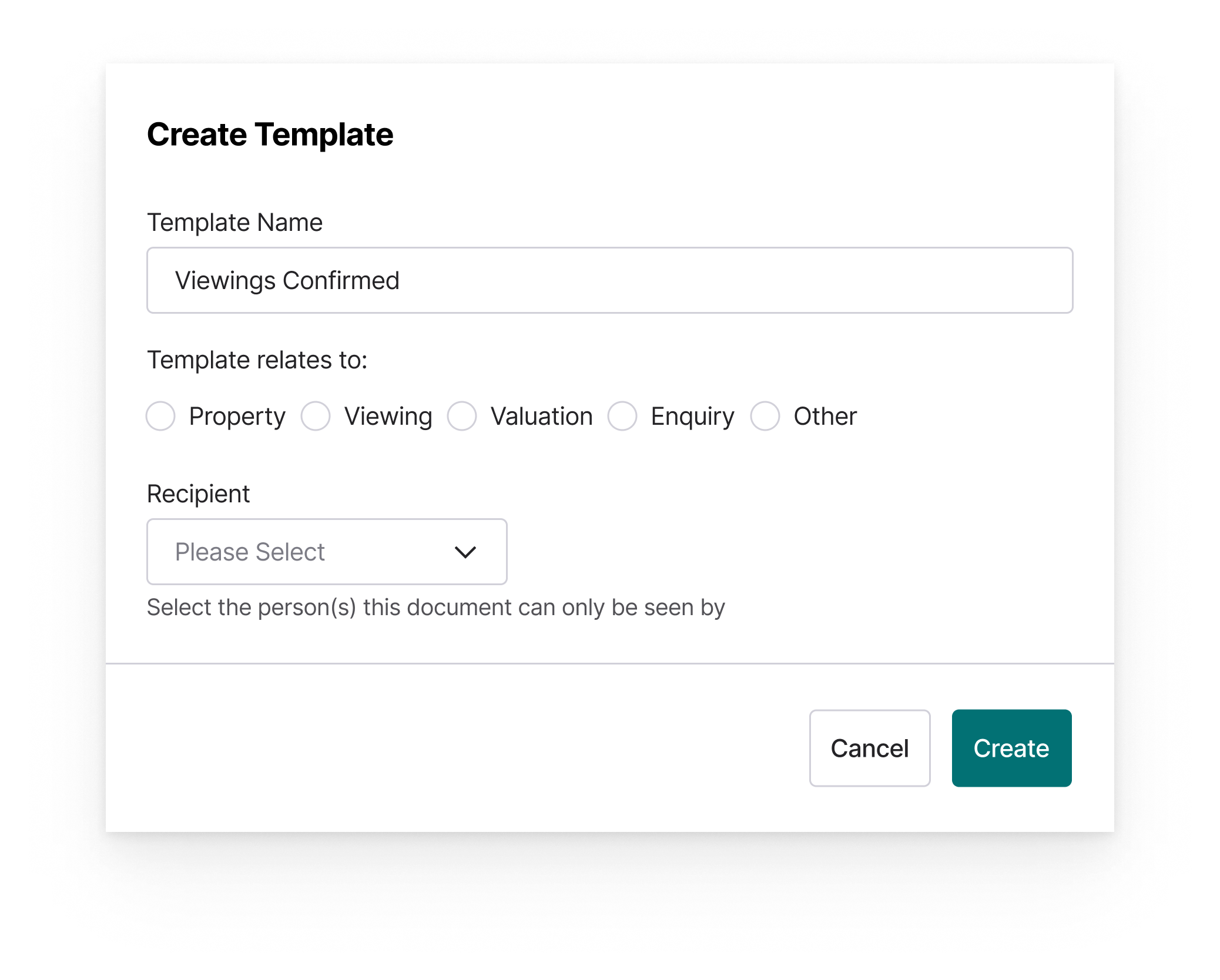
Stop retyping the same messages.
Create templates for the emails and texts you send most, valuation confirmations, offer updates, viewing follow-ups, completion notices. Your team picks them from a dropdown when they're ready to send.
- Email or SMS: Build templates for both. Same editor, same merge logic.
- Area-specific or generic: Tie a template to an area of Street.co.uk, valuation, offer, property, and only the relevant merge fields appear. Need one that works everywhere? Use a generic template.
- Personal, branch or network: Keep a template to yourself, share it with your branch, or roll it out across every branch.
- Street AI built in: Draft from a prompt, rewrite for tone, or tighten up copy without leaving the template editor.

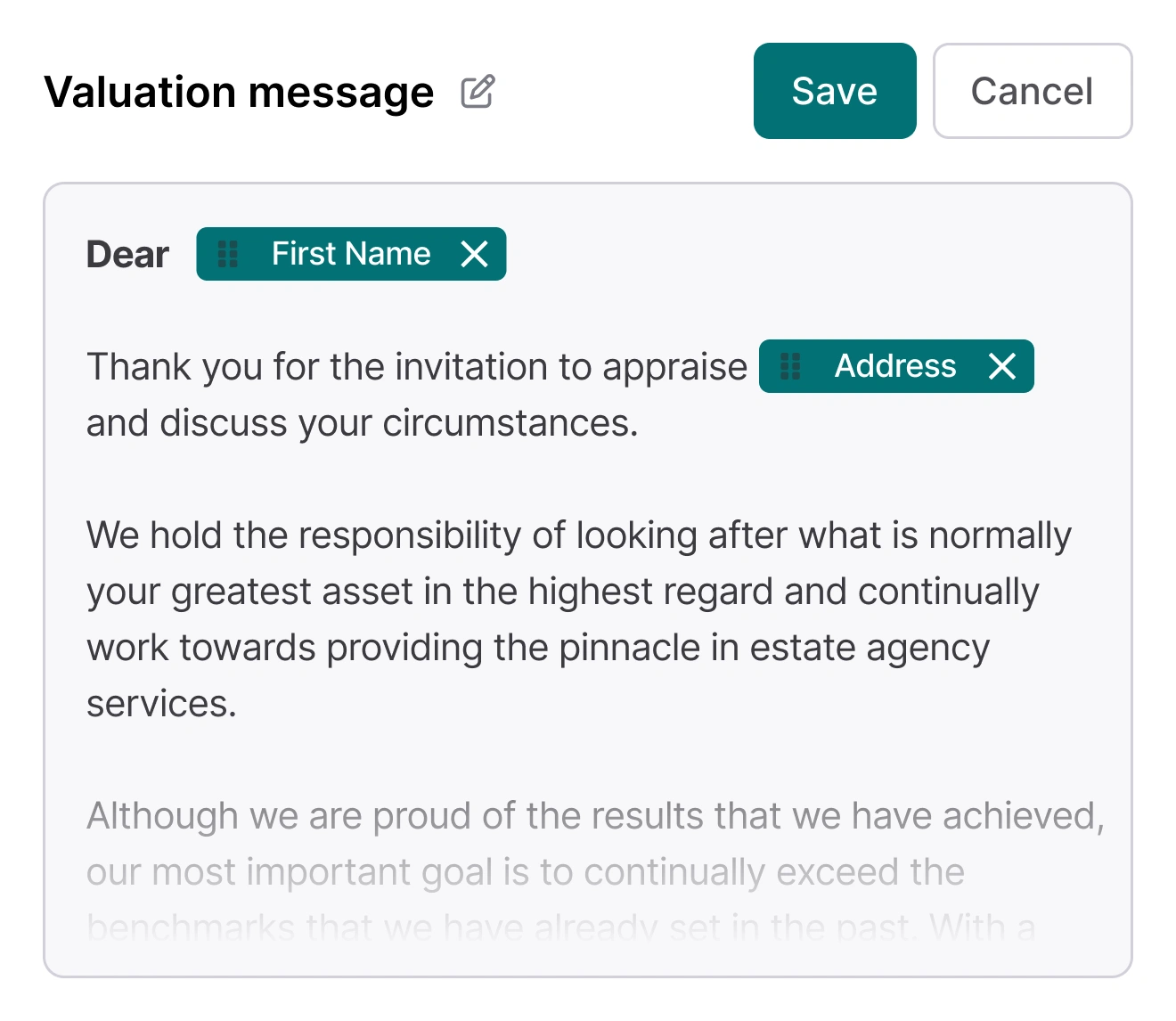
Merge fields pull live from Street.co.uk.
Click a merge field from the list and it drops into your template. When the email sends, Street fills in the data, contact name, property address, valuation fee, offer amount, whatever the template calls for.
- Live data merge: Fields populate from Street.co.uk automatically. No copying between tabs.
- Area-specific fields: Valuation templates pull valuation data. Offer templates pull offer data. You only see what's relevant.
- Preview before sending: Toggle preview on in any manual email to see the merged data exactly as your client will.
- Custom writing style: Train Street AI on your own tone so templates sound like you, not generic copy.

Update a group of applicants in one action. Track what's opened and clicked.
Send the same email to multiple applicants when a property status changes. Monitor engagement across every manual and automated email going out from Street.co.uk.
- Bulk action email: Email multiple applicants at once, useful for price drops, status changes, or new availability.
- Open and click tracking: See who's engaged with your emails across automated and manual sends.
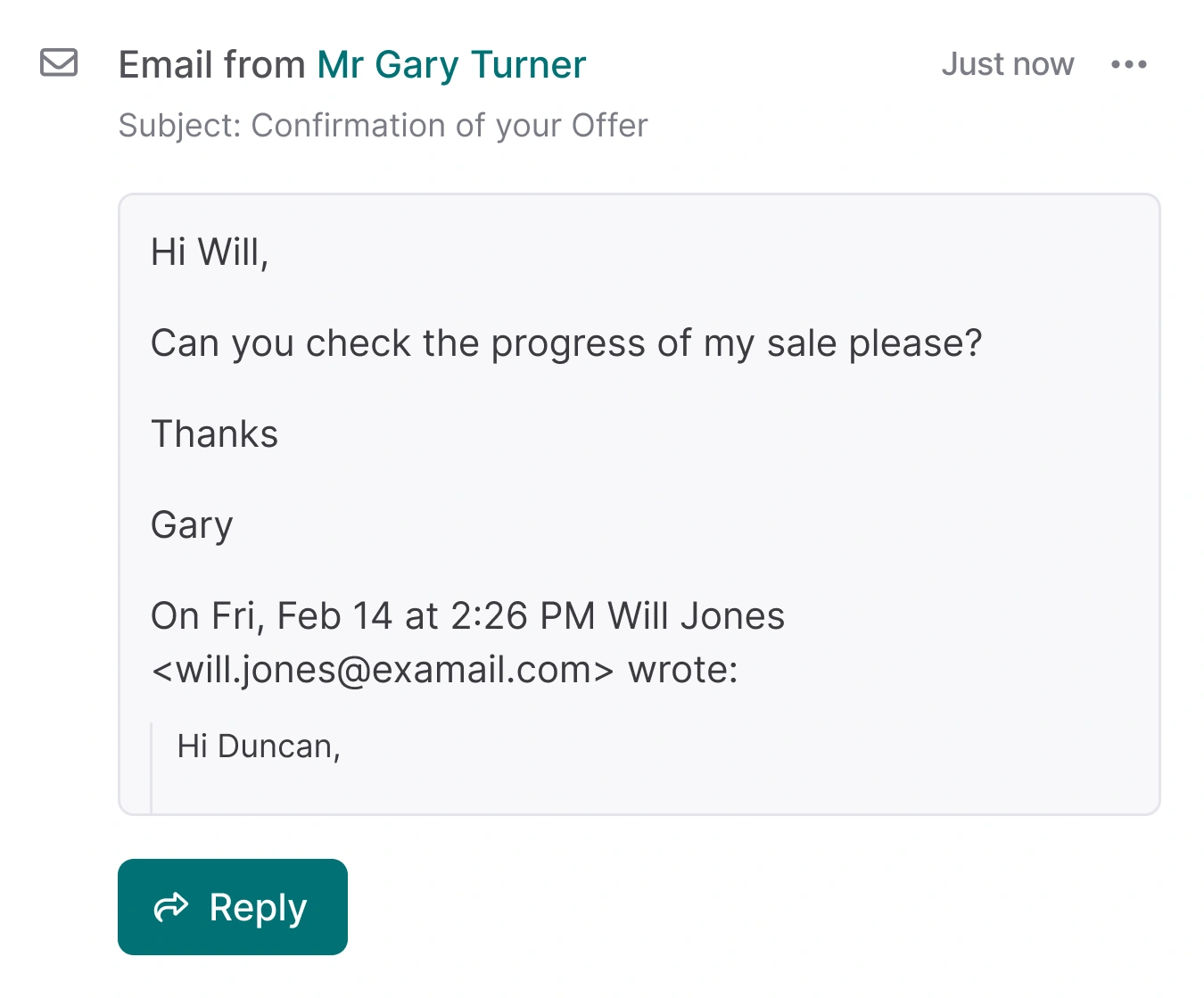
- Two-way email: Client replies land in their activity stream in Street.co.uk, visible to the whole team.
RELATED FEATURES
Frequently asked questions
Yes. Build templates for both from the same editor. Each one can be tied to a specific area of Street.co.uk or set as a generic template that works anywhere.
It depends on the area the template is tied to. A valuation template shows valuation-specific fields like fees and valuation amount. An offer template shows offer fields. Generic templates have a smaller set of universal fields.
Yes. Set each template's visibility to yourself only, your branch, or the whole network. Branch and company admins can create templates that roll out across branches.
Yes. When composing a manual email with a template applied, toggle preview on to see the merged data exactly as the client will see it.