








Never chase an EPC again.
What it is
An EPC management system built into your property record. Street.co.uk searches the EPC Register when you add a property, stores the certificate, tracks expiry dates, and publishes ratings to your listings and portals. Enable auto-withdrawal and properties listed without a valid EPC are removed from portals automatically.
Who benefits
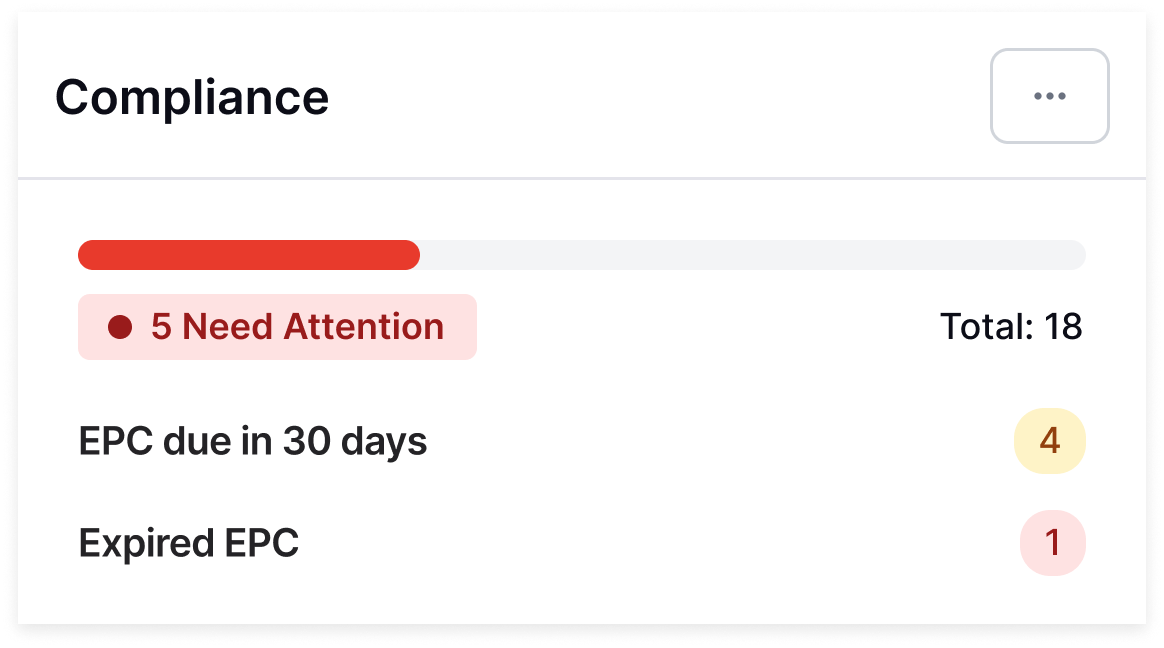
Property Manager. You add a property. Street.co.uk finds the EPC. Expiry dates are tracked in your compliance dashboard, and expiring and expired certificates surface automatically.
Compliance Officer. Every EPC is stored against the property record. Expiry dates are visible from the Property Compliance tile in Task Management. Key actions (uploads, edits, auto-withdrawals) are logged in the activity stream.
Lettings Manager. The Listings with no EPC tab shows exactly which properties need attention. No searching, no chasing.
Auto
EPC lookup. Add a property and Street.co.uk searches the EPC Register. If a certificate exists, it's added to the property record automatically.
28 days
Compliance window. Enable auto-withdrawal and properties listed without a valid EPC are low-profiled and removed from portals after 28 days.
AI
Document reading. Upload an EPC and Street AI extracts the energy efficiency ratings, report date, and URL. No manual data entry.
EPCs get missed, listings stay live, and fines follow. Street.co.uk tracks expiry dates automatically and flags issues before they become a problem.
EPC data found, stored, and tracked. Automatically.
Every property's EPC is tracked. Expiry dates are monitored. Properties missing a certificate are flagged before they become a problem.

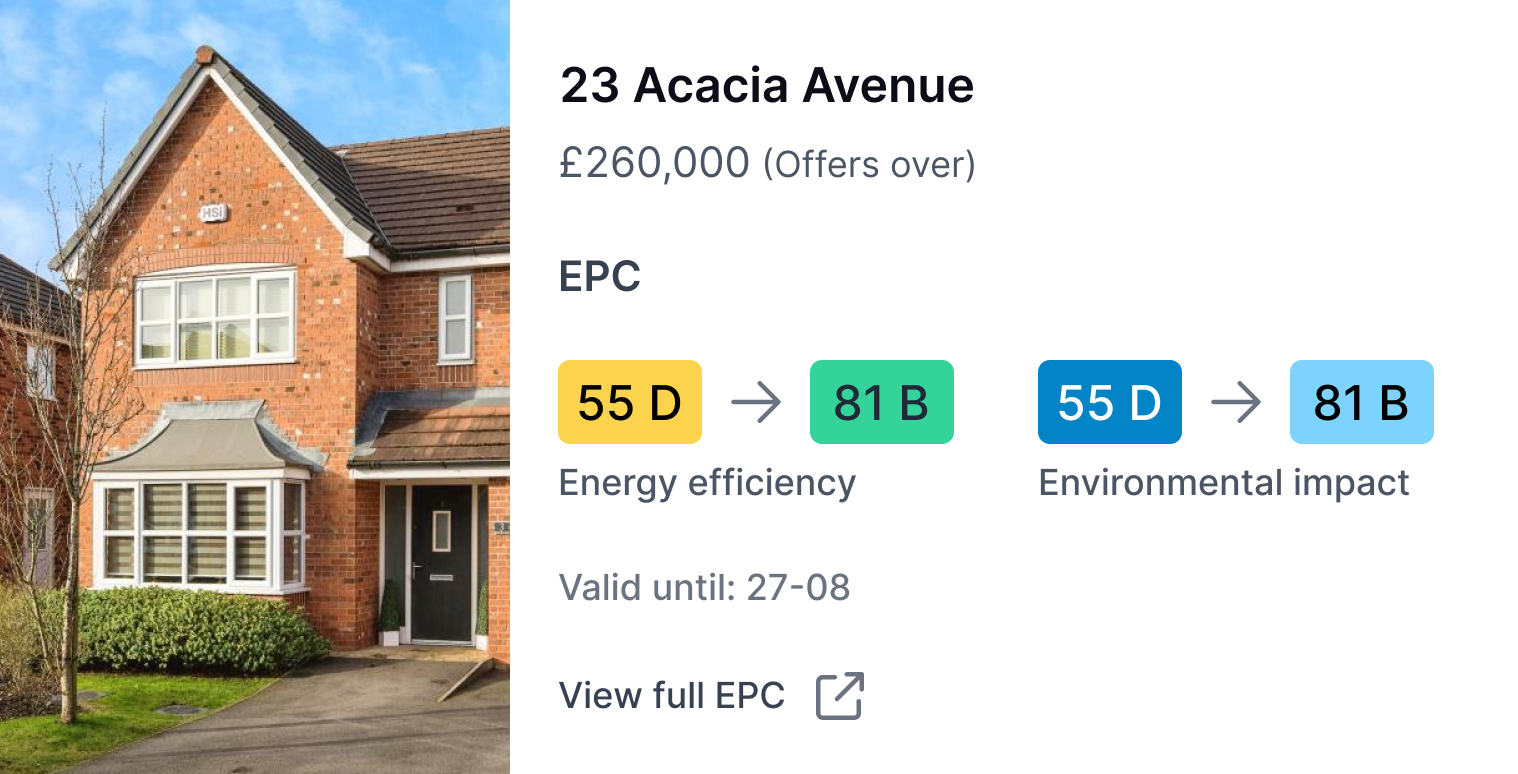
Every property's EPC. Found and stored automatically.
Add a property to Street.co.uk and the EPC Register integration searches for the certificate. If one exists, it's added to the property record with the expiry date, rating, and all. Upload one manually and Street AI reads the document for you.
- Automatic EPC search: Add a property and Street.co.uk finds the EPC. Certificate number, expiry date, rating, all pulled from the register and added to the property record.
- AI document reader: Upload an EPC PDF and Street AI reads it. Energy ratings, report date, and URL extracted automatically. Address mismatches flagged before you save.
- Expiry tracking: Expiring and expired EPCs surface in your Property Compliance dashboard. The Listings with no EPC tab shows exactly which properties need attention.
- Rating publishing: Publish EPC ratings to the portals and your website in a couple of clicks. Street.co.uk generates the graph from the certificate data.

Non-compliant listings handled automatically.
A valid EPC must be included in marketing materials within 28 days of listing. Street.co.uk tracks the deadline. Enable auto-withdrawal and non-compliant listings are removed from portals before the window closes.
- 28-day compliance window: List a property without an EPC and a countdown banner appears on the property page. After 28 days, the listing is low-profiled and removed from portals automatically.
- Portal removal: No EPC, no listing. Low-profiled properties are pulled from all portals. Add the EPC and remove the low-profile status to relist.
- Mark as on order: Log that a new EPC has been ordered. Records a timestamp and unlocks the EPC step in your onboarding workflow.
- Activity logging: Every auto-withdrawal, upload, edit, and order marking is logged against the property record.
RELATED FEATURES
Frequently asked questions
Yes. Upload the EPC PDF on the property page and Street AI reads the document, extracting energy efficiency ratings, report date, and URL automatically. You can always edit the details manually if needed.
The Property Compliance tile in Task Management surfaces properties with expiring or expired EPCs. The Listings with no EPC tab in the Properties table gives you a filtered view of everything that needs attention.
If auto-withdrawal is enabled, the property page shows a warning banner with a countdown. After 28 days without a valid EPC, the listing is automatically low-profiled and removed from portals. You can manually remove the low-profile status if needed.
If the EPC Register doesn't have a match (common with new builds or unknown addresses), you can add the EPC manually on the property page later. The auto-withdrawal countdown only starts once the property is listed, giving you time to source the certificate.
Yes. On the property page, go to Info then Settings. From general settings you can mark the property as not requiring an EPC. Useful for listed buildings and other exempt properties.