








Every update. The moment it happens.
What it is
Triggered emails and SMS at every stage of the sale or let. Set once, inherited across branches. Your clients stay informed. Your team stops chasing.
Who benefits
Sales and Lettings manager. Set preferences once at company level. Branches inherit. Properties follow. No manual chains of update emails, and far fewer "any news?" calls to return.
Your clients. Vendors, buyers, tenants and landlords hear about their move the moment it moves, not the next time your team has a free minute.
Email + SMS
Triggered the moment the event fires.
3 levels
Company, branch and property. Full control of what sends where.
Every template
Your words, your buttons, your branding.
Every sale has a dozen moments a client wants to hear about, and every one of them lands on your team's to-do list. Street.co.uk sends each update the moment the event happens, in your voice. The chase calls stop before they start.
Your clients stay informed. Your team stops chasing.
Set your notification preferences once. Every email and SMS lands the moment the event fires, in your voice, across every branch.

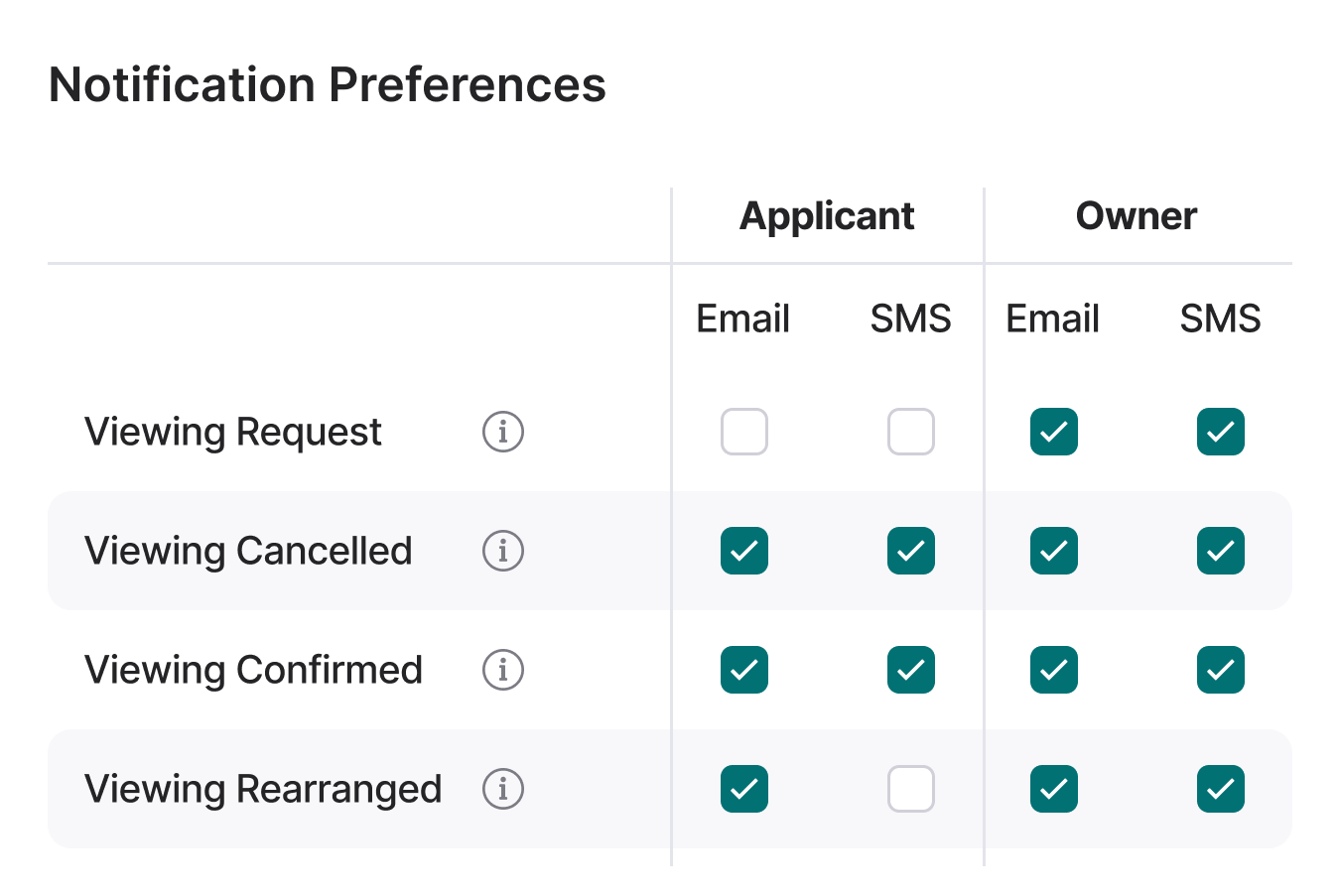
Set once. Inherited everywhere.
Notification Preferences cascade through the business. Company level controls what's available. Branches opt in or out. Individual properties handle the exceptions, the specific vendor who'd rather not get viewing emails, or the lettings property that needs a different set of notifications. The rules the business sets are respected. The exceptions are one click.
- Valuation booked: Date and time in the vendor's inbox the moment the diary is filled.
- Viewing confirmed: All parties get the address and time, automatically.
- Offer received: The seller hears first, with every detail.
- Sale exchanged: Close the loop, and trigger the review request at the same stage.
- Property match: Applicants hear about new matches the moment a listing goes live.

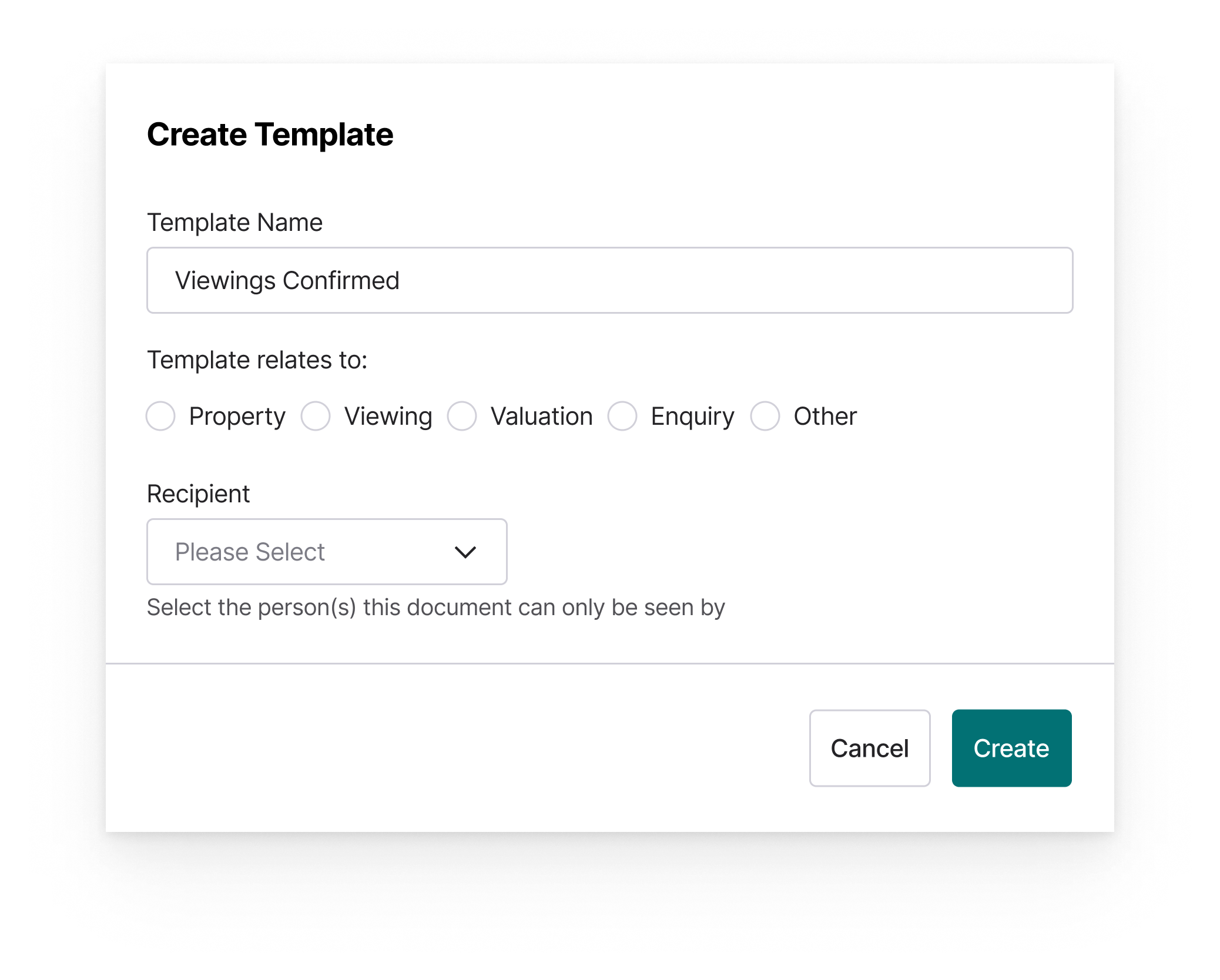
Every template. Editable.
Default notifications work out of the box. When you want the voice to match yours, open Edit Notification Content. Rewrite the subject, rewrite the body, change the button text, change the button colour. Merge fields drop in the client name, the property address and the viewing time, filled correctly, every send. Preview before you publish.
- Company or branch level: Standardise across the business, or let each branch write its own.
- Merge fields: Client name, property, dates and times, personalised automatically.
- Branded buttons: Match your colours. Match your tone.
- Marketing preferences link: Contacts manage their own preferences without logging in.

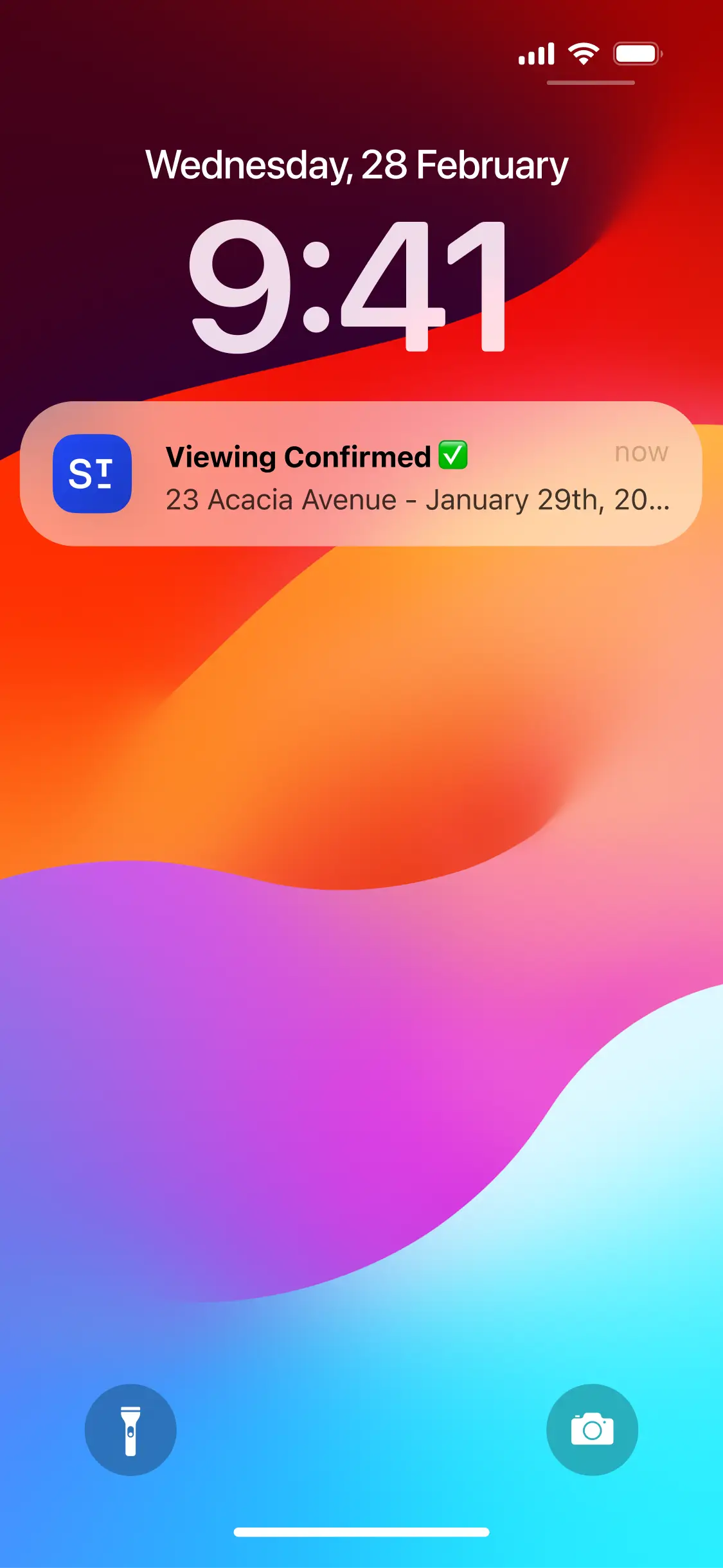
And when they're in the app, the update lands instantly.
Vendors, buyers, tenants and landlords get push notifications in your branded client apps. Offers, viewing feedback, maintenance updates and payment requests all arrive the moment the event fires, straight to their phone.
- Vendors: Offer alerts, viewing feedback and payment requests.
- Buyers: Viewing confirmations and property matches.
- Tenants: Maintenance updates and inspection reminders.
- Landlords: Maintenance alerts, inspection reports and accounting updates.
RELATED FEATURES
Frequently asked questions
Yes. Every email template can be edited at company or branch level, with merge fields to personalise the content. Branch-level edits override company templates. SMS content is not editable.
Yes. A marketing preferences link sits at the bottom of consumer emails. Contacts update how they'd like to be contacted (email, phone, text or post) without logging in. Every change lands on their activity stream.
Three levels of control. Company sets the defaults. Branches tailor to their audience. Individual properties handle the exceptions. If a specific vendor doesn't want viewing emails, one toggle on the property page.
Yes. Each branch sets its own "from name" and can override the email address for maintenance, inspection and accounting sends.