




What's new in Street.co.uk: Early September 2026.
New reports. A single point of contact on shared tenancies. Compliance built for the whole UK.
This release is about seeing more of what's happening across your agency and spending less time hunting for it. Two new reports turn manual checks into clear, exportable lists, shared tenancies get a proper lead contact, and there's a wave of updates for agents in Scotland and Wales, plus more than 40 improvements across sales and lettings. Here's everything that's new.
New reports
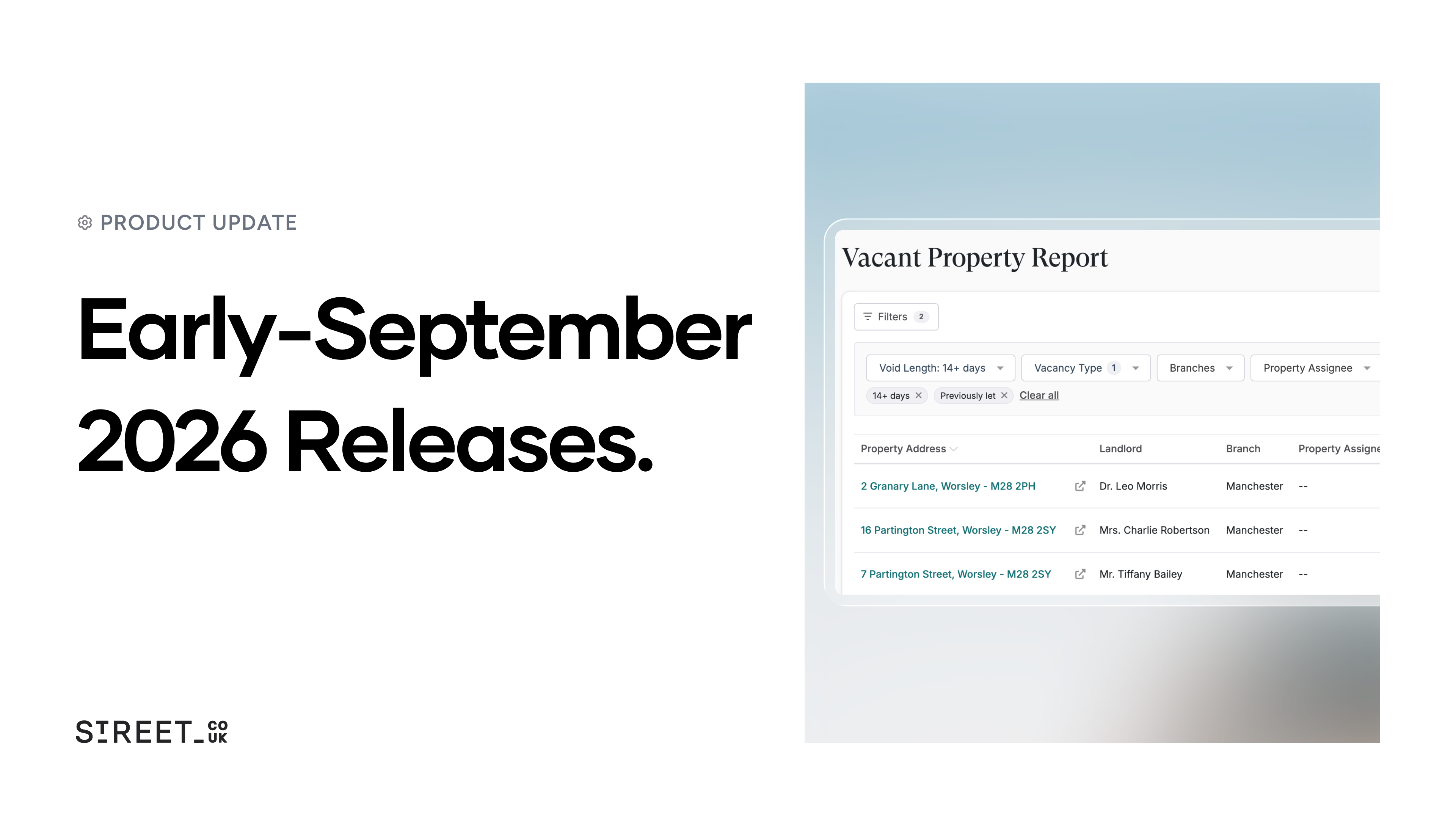
See every vacant property in one place. The new Vacant Property Report shows every empty property you hold and how long each has been vacant. Filter and export the list in seconds, so empty stock becomes something you can act on rather than piece together by hand.
See which viewings turn into offers. A new report pairs every viewing with any offer that followed, so managers can see who's converting viewings into offers and coach from real numbers.
More reporting improvements:
- Filter enquiry reporting by sales, lettings or general
- Every enquiry now shows where it came from, not just the major portals
- Buyer name and buying position added to the Recent Activity report
- Full postcodes added across report addresses and exports
- A new "Let Type" filter on the Let Report
- Branch and service-type columns, plus a date-range filter, on the Ending Tenancies report
- Branch column, days-overdue count and a guarantor flag on the Rent Reviews report
- A new view to spot tenancies where Right to Rent checks have been skipped
Sales and applicants
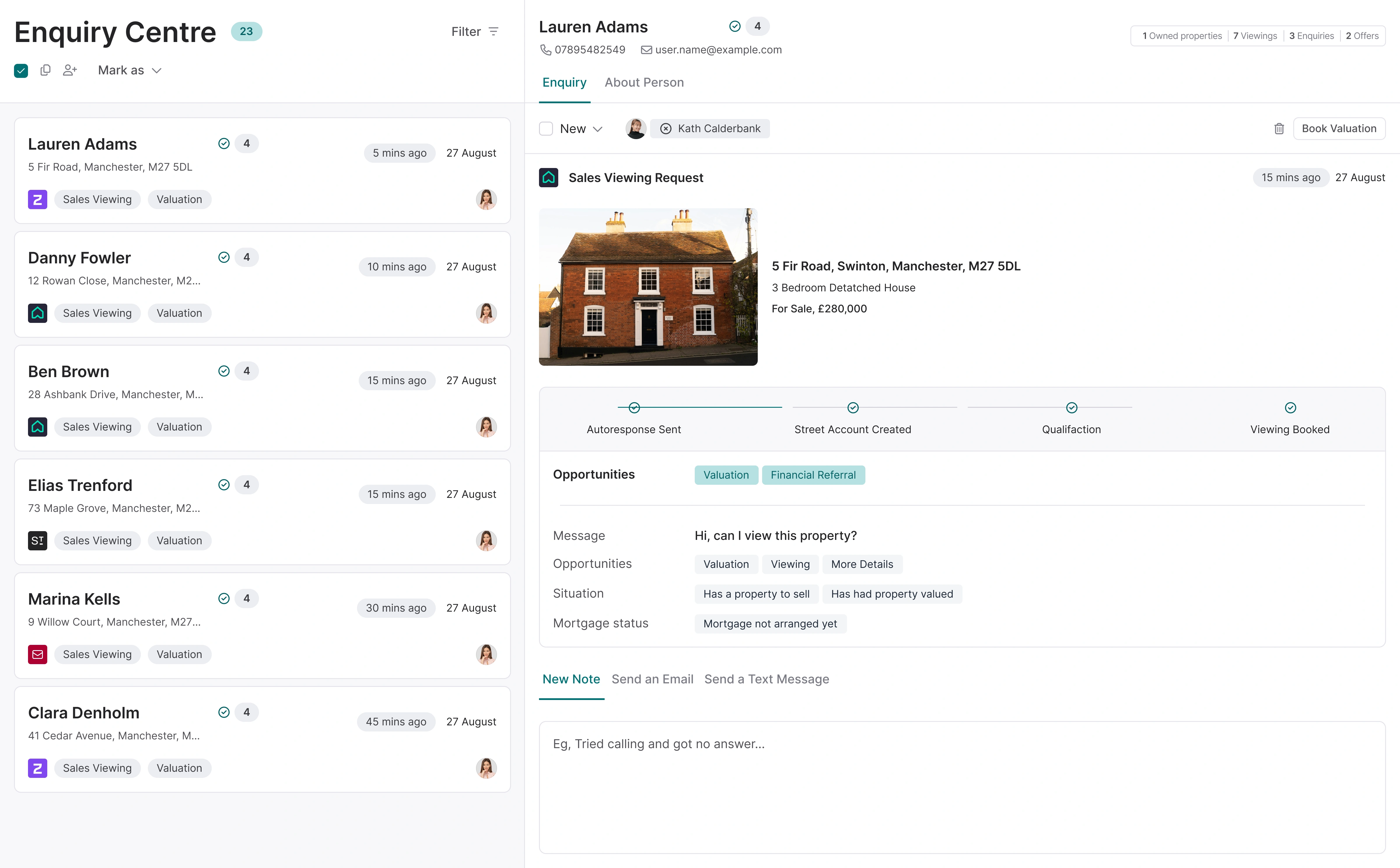
Re-send appointment confirmations in one click. If a confirmation gets missed or goes to the wrong address, re-send it in a click. It goes to the recipient's current email, so there's no need to rebook.
Spot an applicant's other roles at a glance. Applicant lists now show when someone is also a vendor, landlord or tenant, so cross-selling opportunities are obvious without opening a single record.
More sales improvements:
- Applicant notes now shown when reviewing property matches
- Buying position shown on the feedback chasing screen
- Applicants no longer looking are flagged while you review matches
- Option to mark a buyer as no longer looking at completion
- New "Divorce/Separation" reason for selling, with a prompt to use confidential contacts
- Living Room and Shower Room property types added
- Public property page link now available in enquiry templates
- Document and correspondence template pickers now sorted alphabetically
- Automated review-request notifications, to gather reviews without manual chasing
Lettings
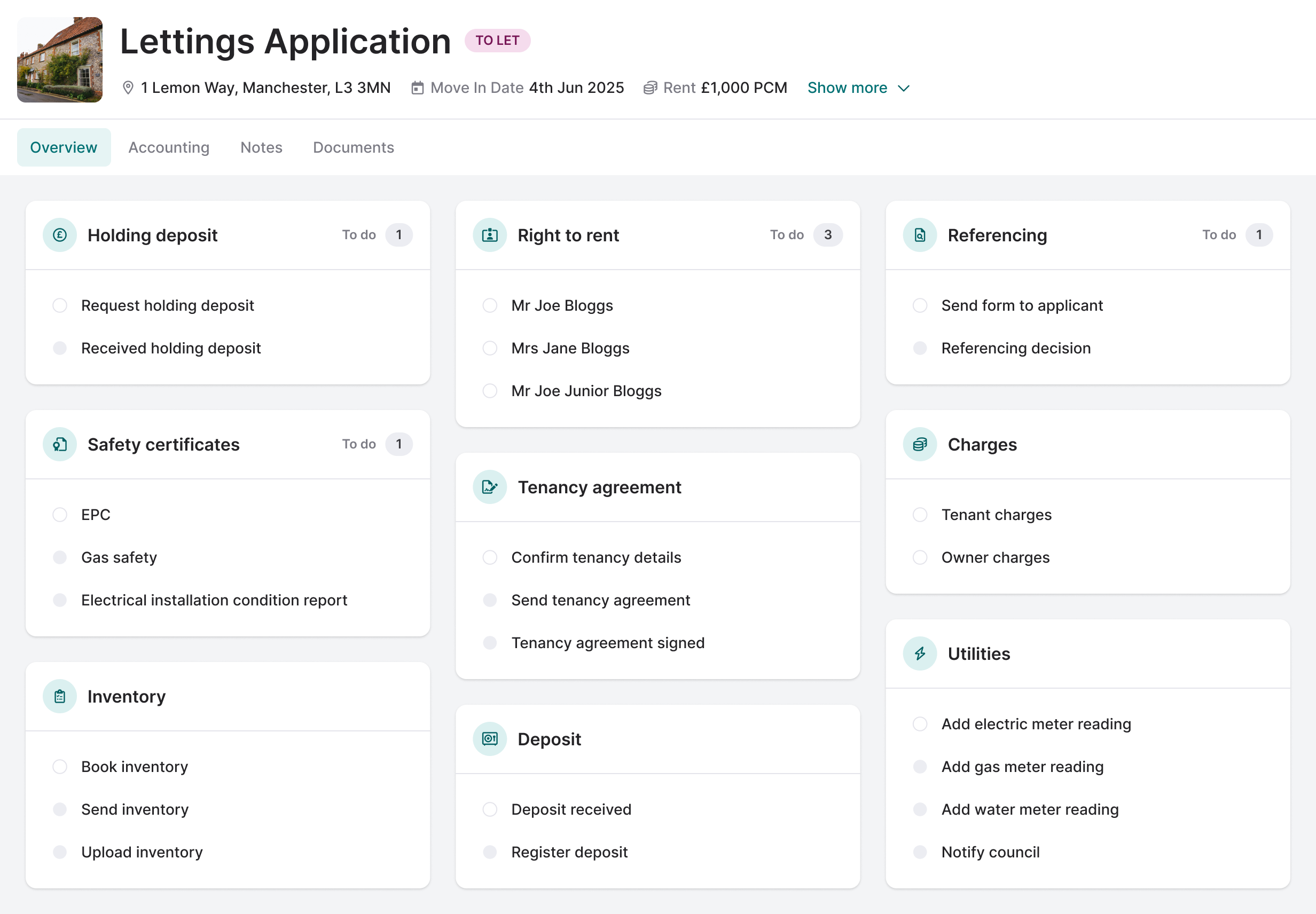
Set a lead tenant on every tenancy. On shared tenancies you can now name one lead tenant, giving you a single clear point of contact. The lead carries through renewals and legislation changes, and drops straight into your documents.
More flexible lettings fees. Charge a lettings fee as a flat amount or a percentage of rent, whichever suits the instruction, and set your own affordability multiplier to match how you reference tenants.
More lettings improvements:
- Court-ready arrears evidence: export selected arrears emails in a click
- New lettings offers default the lead tenant to the primary contact
- Follow-ups clear automatically when an applicant is no longer looking
- Your agency's own service-level name now shows on the property
Inspections and maintenance
Email inspection reports to owners and tenants. Send an inspection report straight to the owner or tenant with your own covering note, and keep a record of when each was sent.
More inspection and maintenance improvements:
- Branch column and a "Booked For" filter on the inspections table
- A reasonable-adjustments flag shown when booking an inspection
- Upload inspection reports inline, without a pop-up
- Add tasks to rent reviews, and scope custom task types to inspections
- Freeholder and Block Manager added as contractor trades
- Tenant and access details added to the maintenance jobs export
- Permitted-occupier merge fields in maintenance correspondence
Built for Scotland and Wales
Ending tenancies, done right for each nation. Ending a tenancy isn't the same across the UK. Street now has dedicated flows for Scotland and Wales that produce the right notices and follow the right rules automatically, so agents in those nations can serve notice with confidence.
Store landlord registration numbers. Scottish and Welsh agents can now record landlord registration numbers in Street, with the number pulled through to listings and documents, and expiry reminders so nothing lapses.
More compliance improvements:
- Welsh deposit and holding-deposit calculations now use the correct local rules
- "Landlord to fix" now warned against on Welsh maintenance jobs during a tenancy
Client accounting
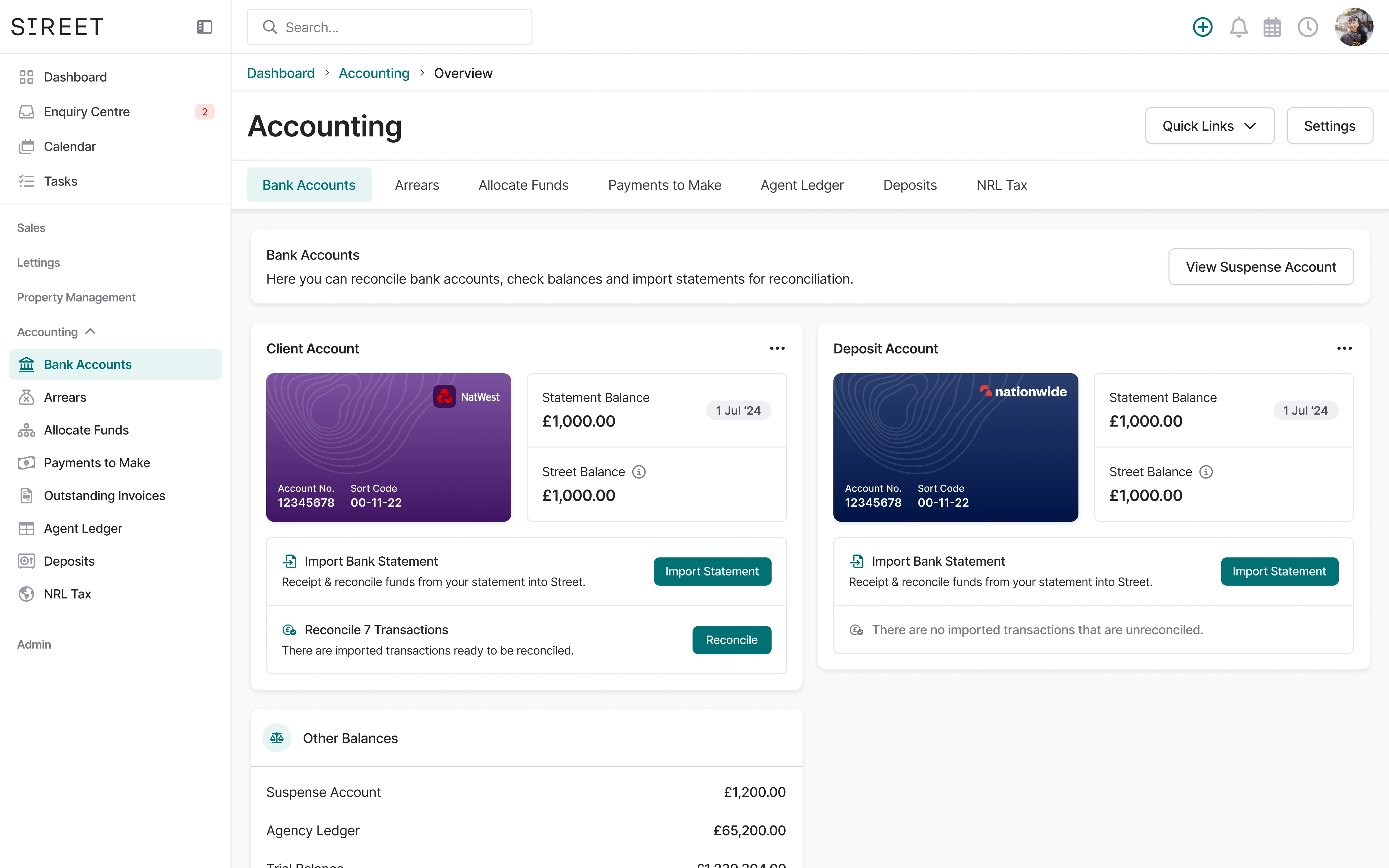
More control over who can do what:
- New permission to manage reconciliation and transactions
- New permission to import bank statements
- New permission to manage the suspense account
Everyday polish and fixes
- A new completions dashboard widget
- New merge fields for safety certificates, EPC rating and per-person details
- Smoother, faster loading across maintenance, tenancy, inspection and compliance pages
- The owner detail header brought in line with the rest
- Custom insurance policy options can now be deleted
- Notification preference tabs sorted alphabetically
- The compliance page heading tidied up
We'll keep building tools that help you run the agency you've always wanted.
Follow us on LinkedIn for the latest releases, walkthroughs and product insights.
What's new in Street.co.uk: August 2026.

What's new in Cortex: Lettings, Ask Cortex and new agent recipes.
What's new in Street.co.uk: July 2026.