








Progressing sales just got clearer.
What it is
An AI-powered snapshot that reads every note on a sale file, highlights the current status and blockers, suggests up to three next actions with one-click task creation, and refreshes as new notes are added, so your team can get across a complex file without wading through dozens of notes.
Who benefits
New agent. Pick up a complicated file and read a short snapshot that explains where the sale is, what has happened, and what needs doing next.
Progressor. Cover for a colleague on holiday and get across even the most tangled sales in minutes, with suggested actions pointing to the next step.
Manager. Hand files between agents without losing momentum, because anyone who opens the sale can see where it stands and keep it moving.
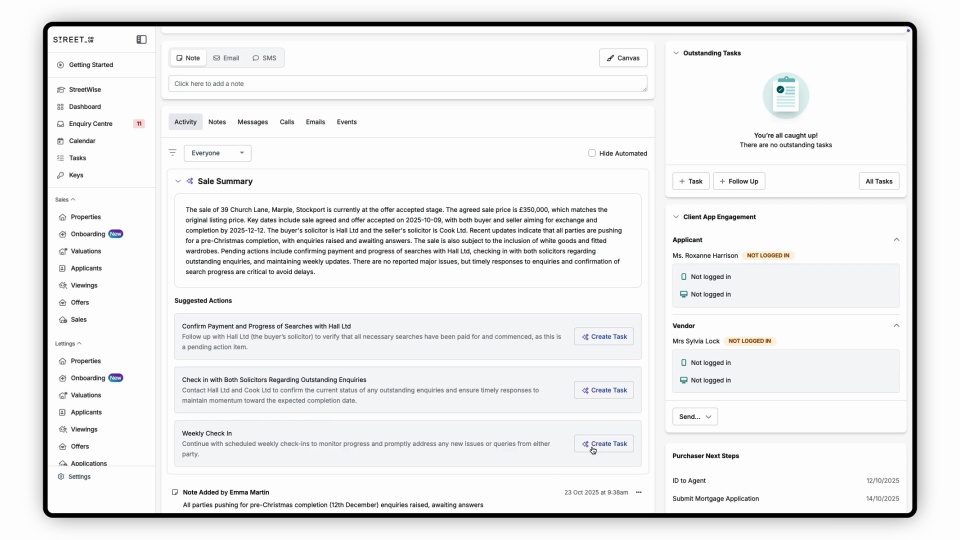
A quick summary explains the whole sale.
AI reads every note on the file and surfaces what matters: offer status, timeline, and anything blocking progress.
3
Suggested next actions, each with one-click task creation.
Auto
The summary regenerates as new notes are added to the file.
1 click
Assigns any suggested action to you and drops it into your workflow.
Complex files become clear, handovers carry on without losing pace, and sales keep moving.
New agents are productive on day one, handovers run without delay, and sales stay on track.
Holiday cover picks up without missing a beat, team transitions stop stalling files, and every agent knows what to do next even when they walk into a sale mid-progression.

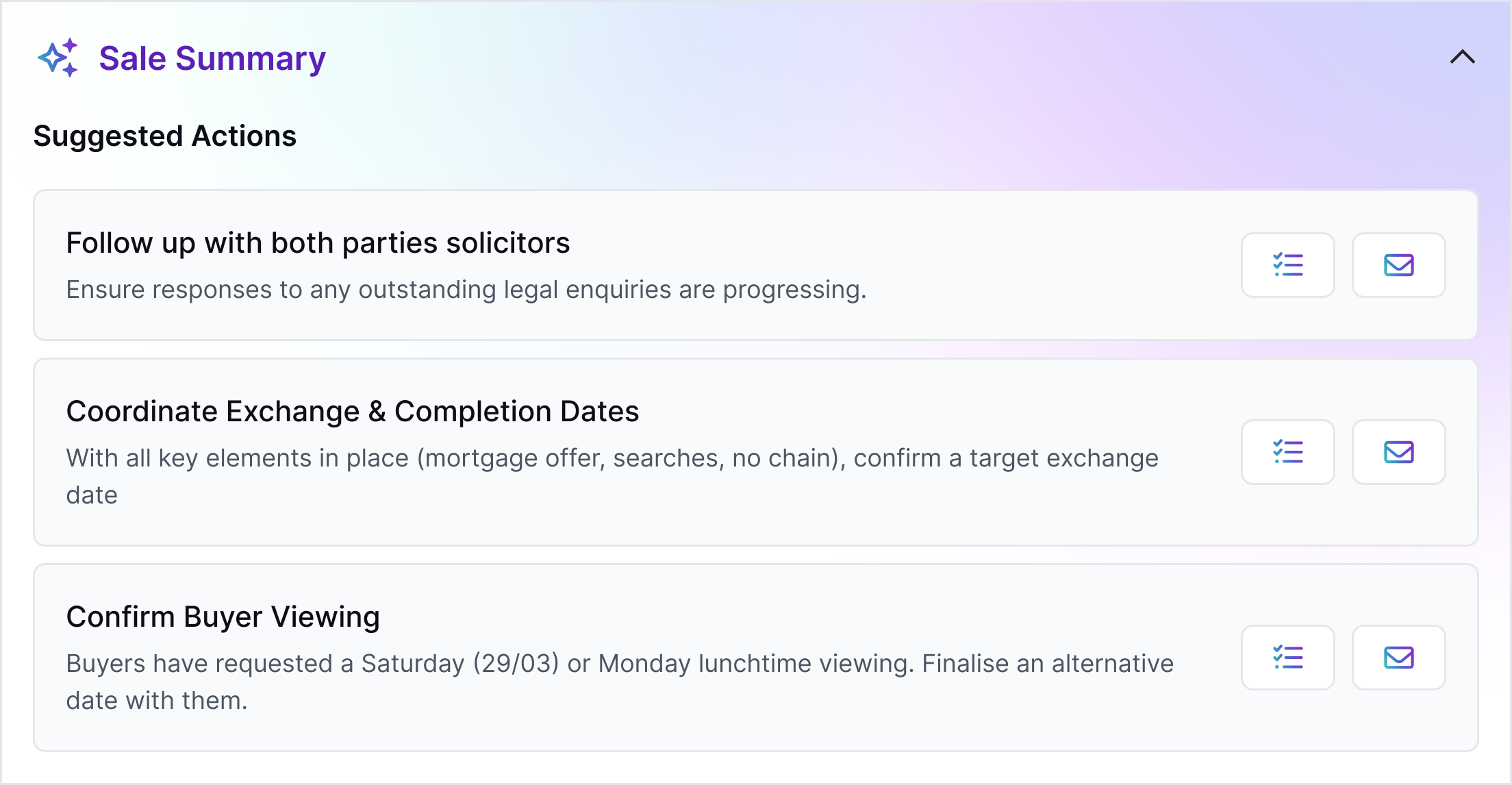
A quick snapshot explains the whole sale.
An agent opens a sale with dozens of notes on it. The AI Sales Progression Summary panel sits at the top of the file: "Offer accepted 15 November. Survey booked 3 December. Mortgage approval pending, lender expected to respond by Friday." In 10 seconds, the agent knows where the chain sits, what the timeline looks like, and what is holding up progress.
- Condensed narrative: AI reads every note on the file and pulls the critical information into a short, readable summary.
- Chronological order: The summary reads as a timeline, walking through the sale in the order it actually happened.
- Status clarity: Where things stand right now, what is stuck, and what is progressing are all visible at a glance.
- Blocker identification: Anything holding up the sale, from a pending mortgage to an outstanding survey, gets flagged so nothing slips.

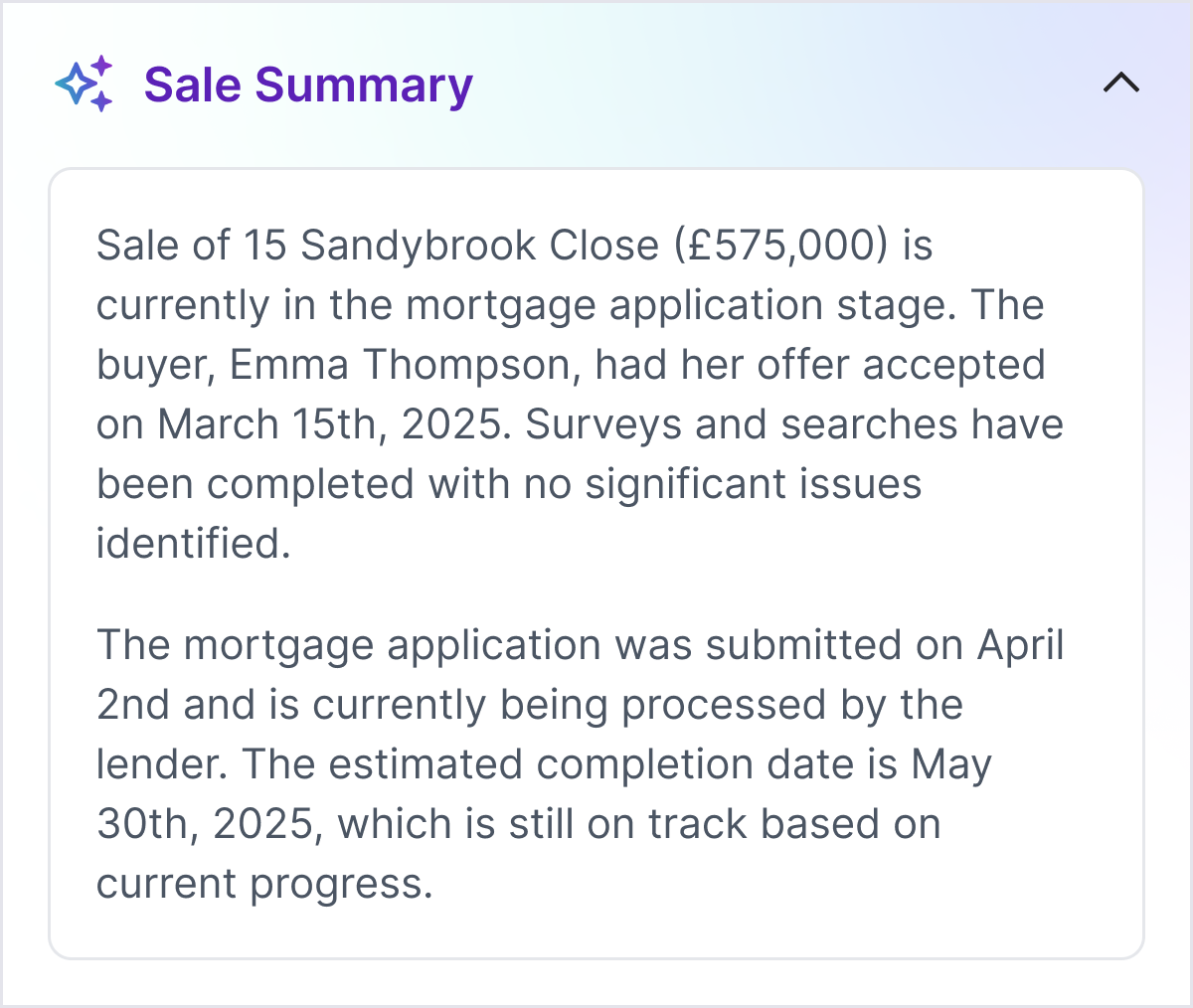
AI suggests next actions automatically.
Below the snapshot, a Suggested Actions section appears with up to three recommendations tailored to the sale: call the lender for a mortgage update, chase the survey firm for a report, confirm the exchange date with the solicitor. A Create Task button next to each one assigns it to you and drops it straight into your workflow, so a covering agent can step in and keep the sale moving without having to ask anyone what comes next.

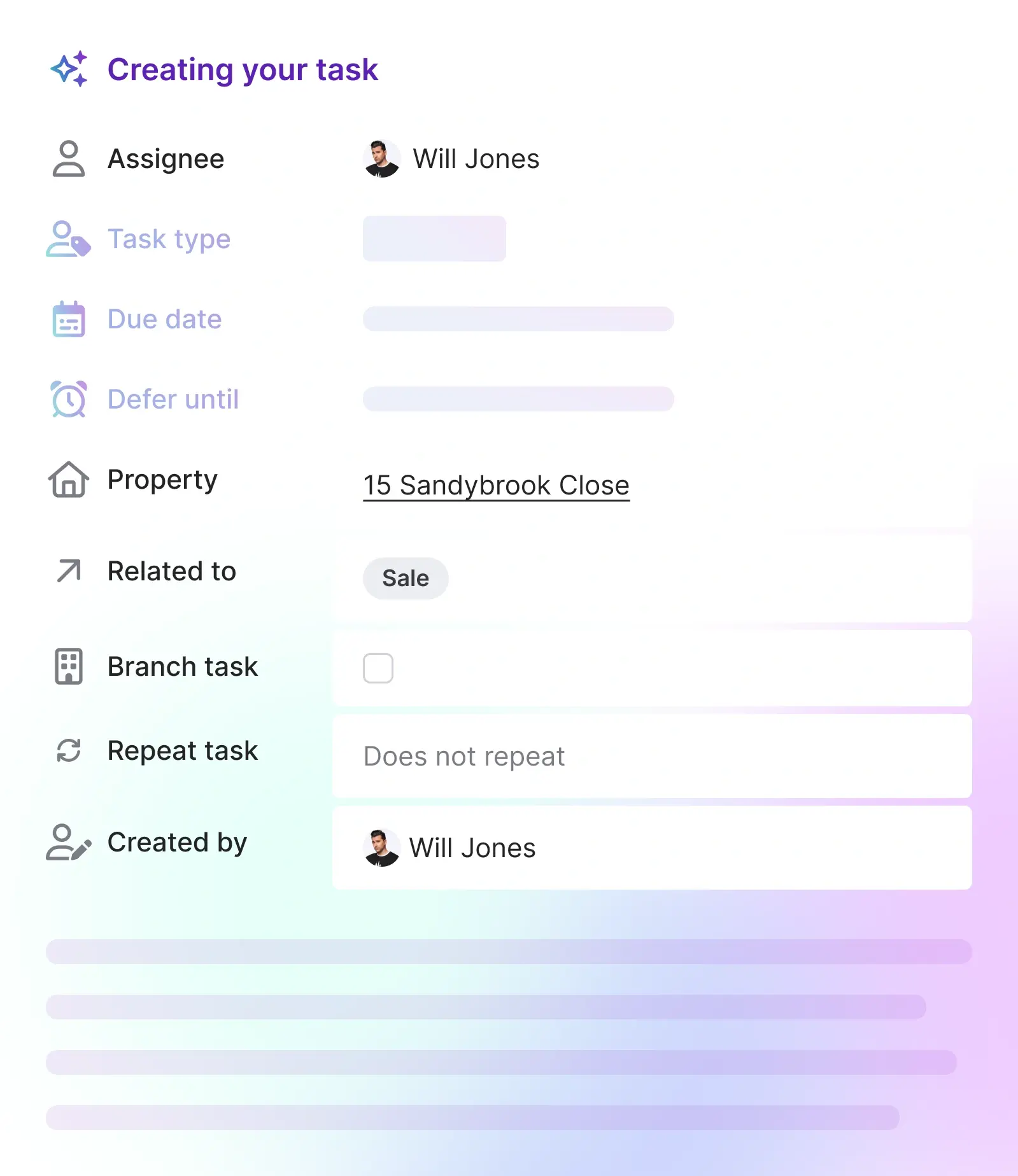
Weeks of history, readable in seconds.
When a sale has been running for weeks with multiple parties, the note history can stretch to dozens of entries. AI Sales Progression Summary pulls the whole thread into a short, readable snapshot at the top of the file, so anyone who opens it can get up to speed before making their first call.
- Built into the file: The summary sits at the top of Sales Progression and Chain Builder, with no extra step to turn it on.
- Handovers that carry on: Whoever picks up the sale can read the state of play in seconds, so momentum is not lost when ownership changes.
- Productive from day one: New agents can progress files on their first day without needing someone else to walk them through the back story.
- Clarity on long files: Long, complicated sales feel manageable because the structure of what is happening is visible from the first glance.
Frequently asked questions
The summary generates automatically from your sale notes and updates as the sale progresses.
The summary regenerates when new notes are added, so every time you open a file it reflects the latest information.