








Professional valuation reports, sent the same day.
What it is
Build branded valuation report templates in Street, complete them after every appointment, and send directly to the vendor, from your desk or from the Street Agent App on the road.
Who benefits
Negotiator. Complete and send your valuation report from the Street Agent App the moment the appointment ends. No office visit needed.
Valuer. Your message, fees, and branding are pre-configured in your template. Fill in the specifics and send, consistent every time.
Vendor. You receive a professional branded report showing the recommended price and fees. Instruct directly from the email or your Street account.
Same day
Valuation reports completed and sent the day of the appointment, not days later.
One click to instruct
Vendors receive the report and can instruct directly.
Fully branded
Every report uses your agency branding as configured in your brand settings.
Most valuation reports arrive days after the appointment. Street.co.uk changes that. Complete and send from the Agent App the moment you leave. No office required.
Professional reports delivered the same day.
Configure your template once, then complete and send every report from the appointment itself.

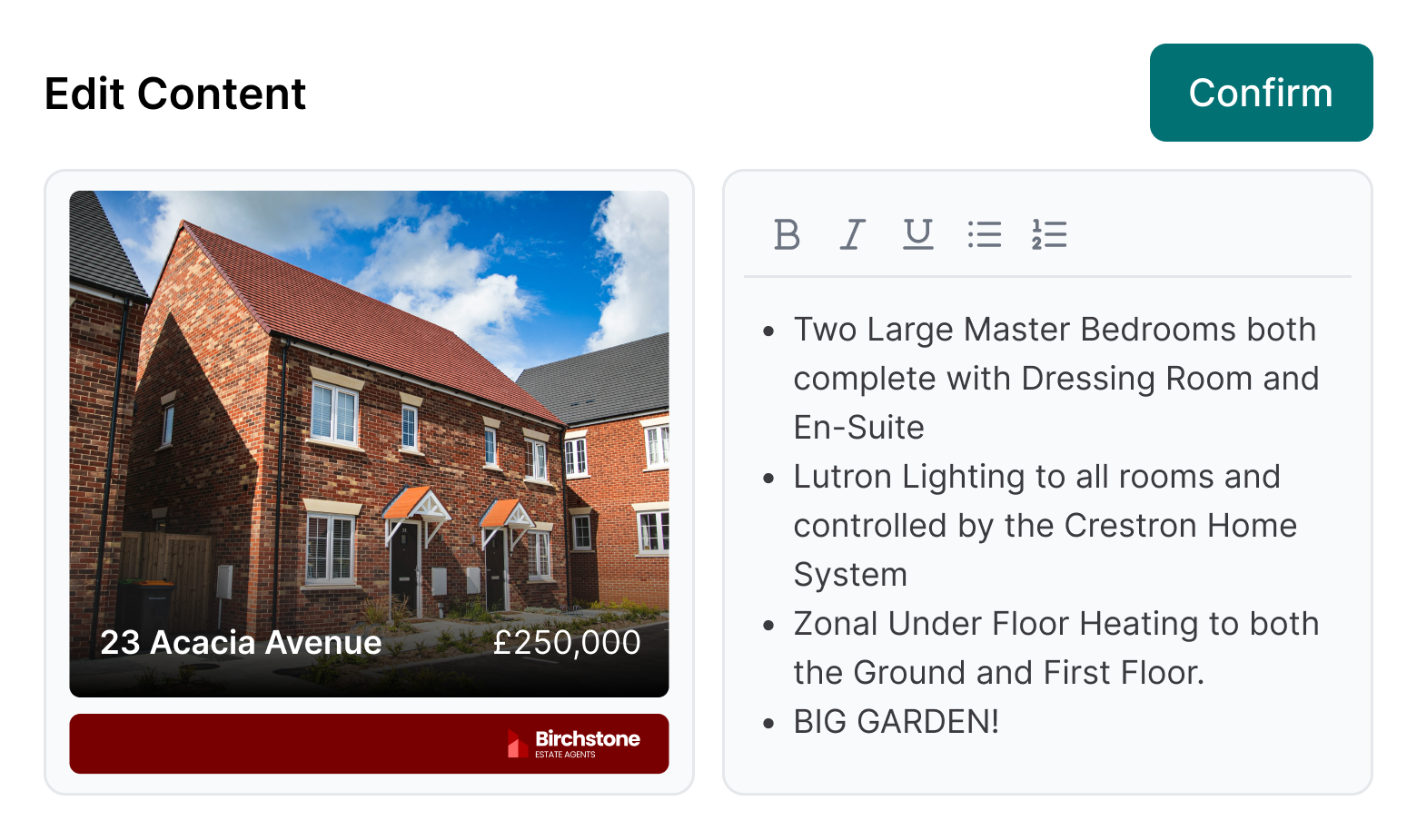
Build professional reports in minutes.
Your valuation template is configured once in branch settings with your message, branding, URLs, and valuer details pre-set. When you complete a report, everything pulls through automatically so you only add the specifics: recommended price, fees, and any final edits to the message. Send to the vendor the same day or generate a PDF to download and email directly.
- Valuation template: Your intro message, branding, URLs, and valuer profile configured once and applied to every report automatically.
- Recommended price and fees: Add your recommended listing price, optional price range, and select from your pre-configured fee labels or lettings service levels.
- Branded reports: Every report carries your agency name, logo, and contact details without any additional setup.
- PDF export: Use the preview button to generate a PDF, ready to download and email to the vendor.
RELATED FEATURES
Frequently asked questions
Yes. Complete and send the valuation report directly from the Street Agent App immediately after the appointment. The vendor receives it by email and via their Street account where they can instruct you.
Yes. Vendors receive the report by email and it appears in their Street account. They can instruct you directly from there.
Yes. Completed valuation reports are saved against the valuation record in Street and accessible at any time from the valuation page.